 OpenWren
Free
No price, no account to create, no ads. You install it, add your mail account and read your mail.
OpenWren is a desktop mail client for IMAP accounts and Gmail. It syncs your mail to an encrypted database on your own machine and talks only to your mail servers.
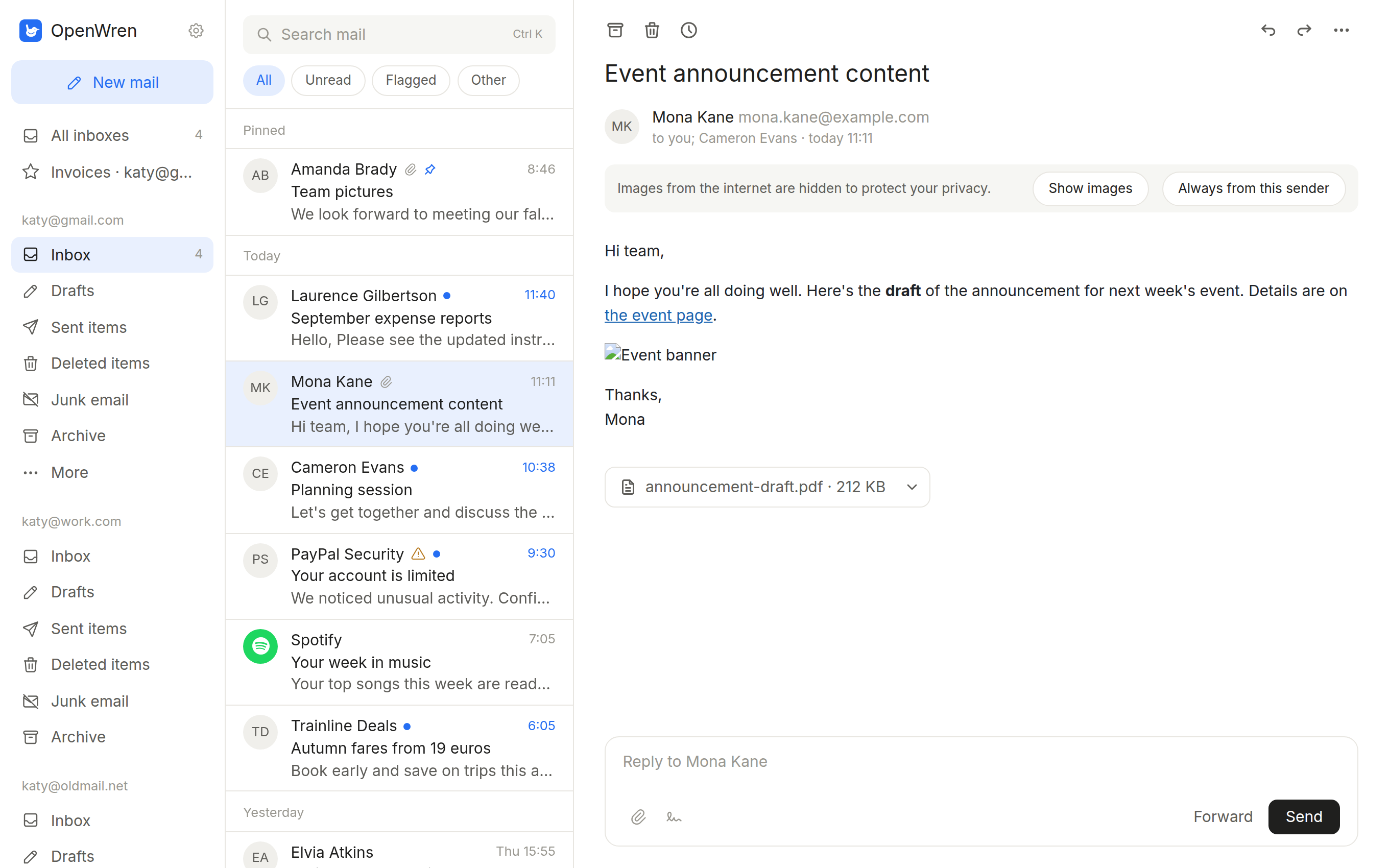
No price, no account to create, no ads. You install it, add your mail account and read your mail.
Licensed under Apache-2.0. Every line is public in the repository, so anyone can read what the app does, build it themselves or change it.
I wanted a good, modern mail app on Linux and could not find one I was happy to use every day. So I built the one I was missing, and I am sharing it.
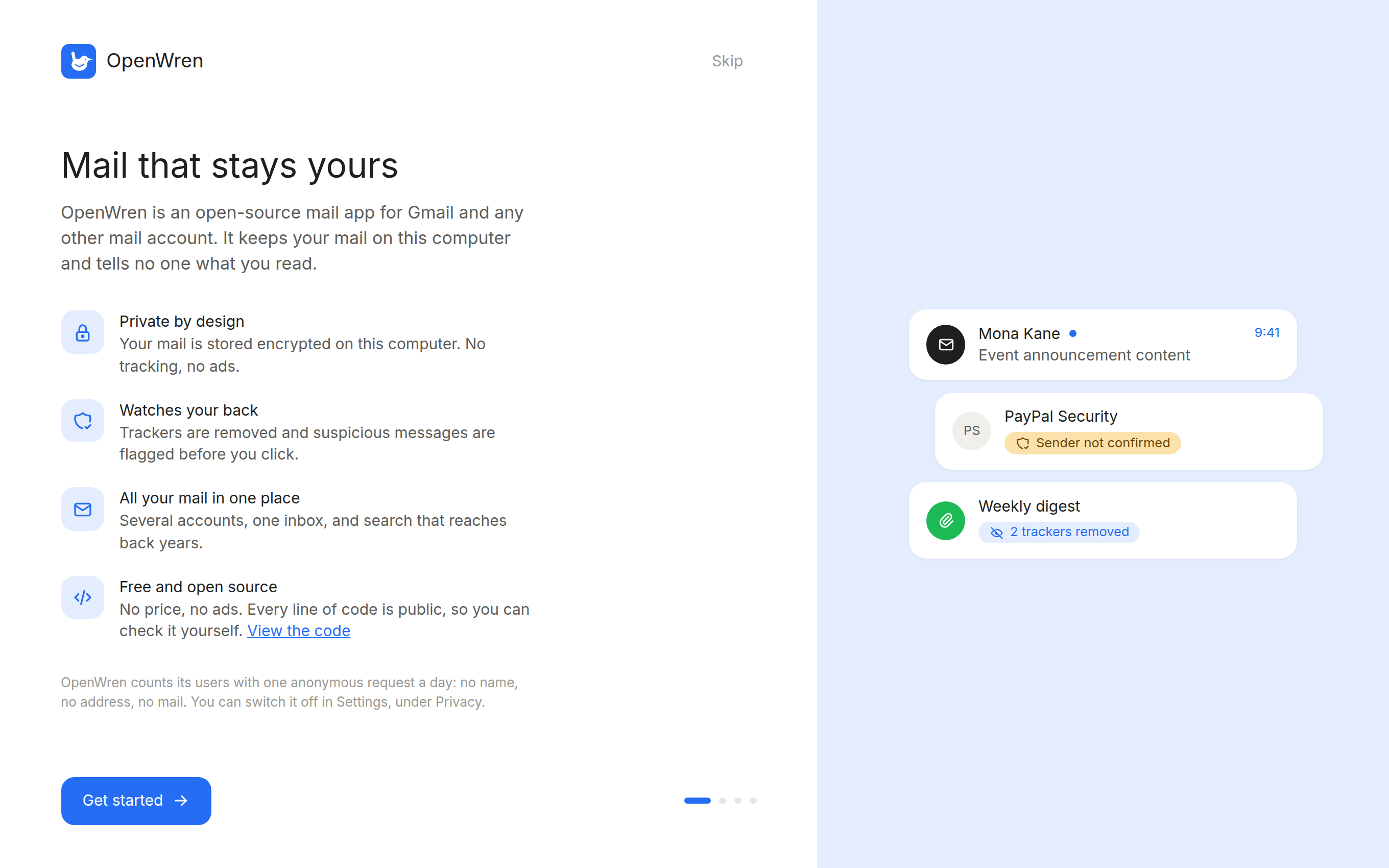
Mail is stored locally in an encrypted database. Tracking pixels and tracking codes in links are removed, remote images stay blocked until you ask for them, and suspicious mail is flagged. The privacy page lists every network request the app makes.
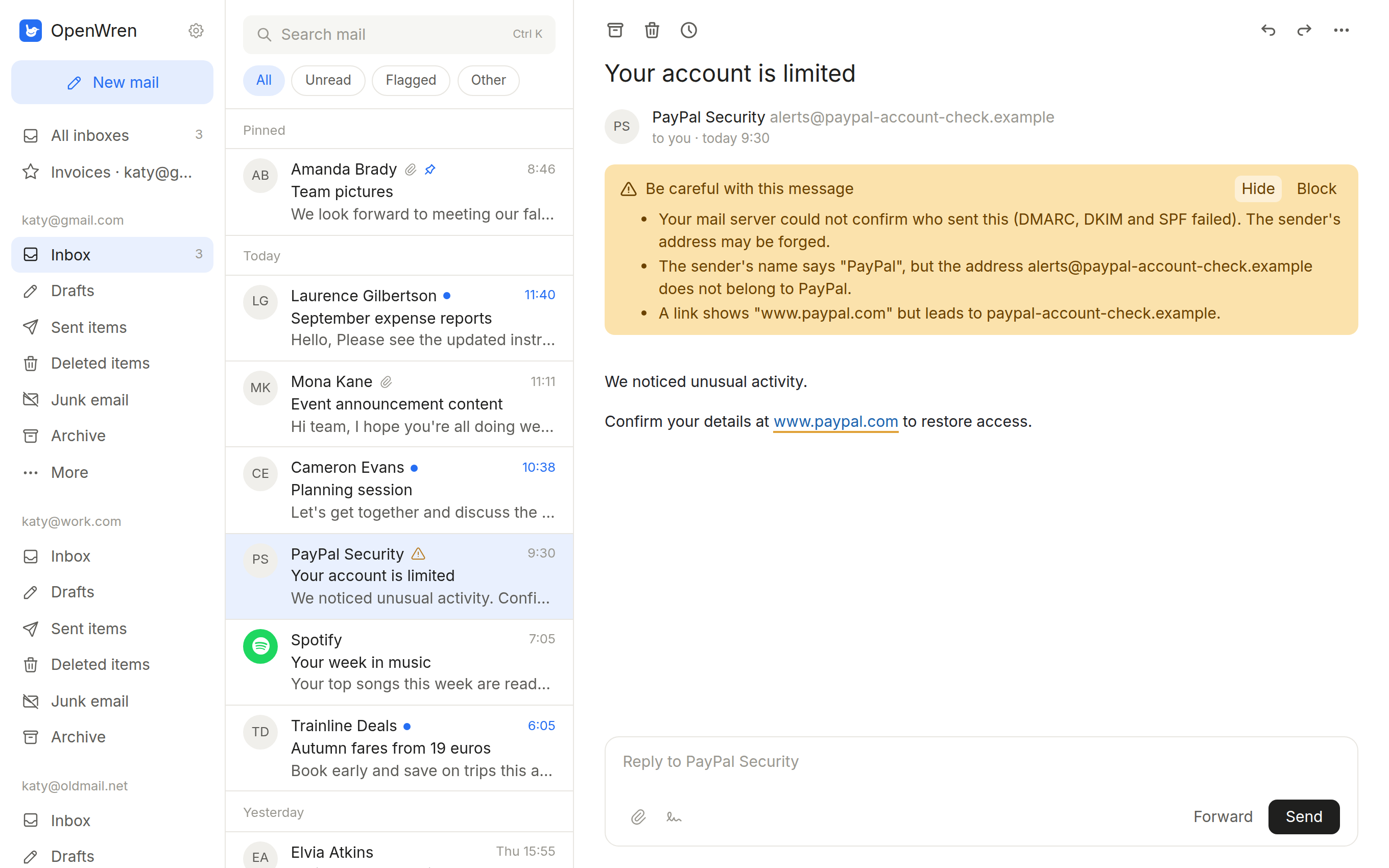
OpenWren warns you when a message fails its sender checks (SPF, DKIM, DMARC), when a company name appears on an address that does not belong to it, and when a link shows one site but leads to another.
Enter your address and password for an IMAP account, or your Gmail address and an app password. Passwords are kept in the system keyring. The docs cover accounts, keyboard shortcuts and search.
Packages for Debian, Ubuntu and Fedora, and an AppImage for everything else.